
Sitefinity CMS Visual Studio Plugin
Increase developer productivity with Sitefinity VSIX, a feature-rich plugin for Microsoft Visual Studio.
Developer Productivity
Kick start development efforts and increase productivity with the Sitefinity VSIX plugin when using our recommended development method: the MVC approach. The Sitefinity VSIX plugin allows you to scaffold your MVC widgets and templates and address file structure during implementation giving you more time to spend on business tasks.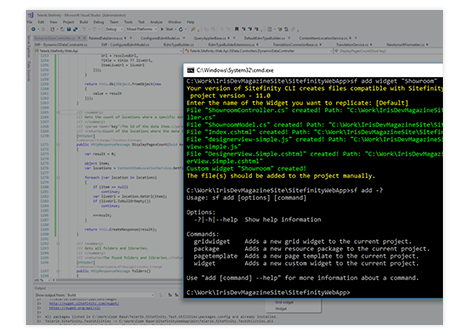
Development Extensibility
Open sourced in GitHub you have the ability to extend the tool at any time. New features could be implemented both in the VSIX repo or in the underlying engine of the tool, Sitefinity CLI, which is open sourced too.
Transform Your Digital Experiences

Progress Sitefinity
Meaningful engagement, elevated experiences delivered with ease.
Set your sites on Sitefinity.